Logging in to your 56MVP Game account takes under thirty seconds. Whether you are using the Android app, playing through your iPhone browser, or accessing the platform on a laptop, the process is the same across all devices.
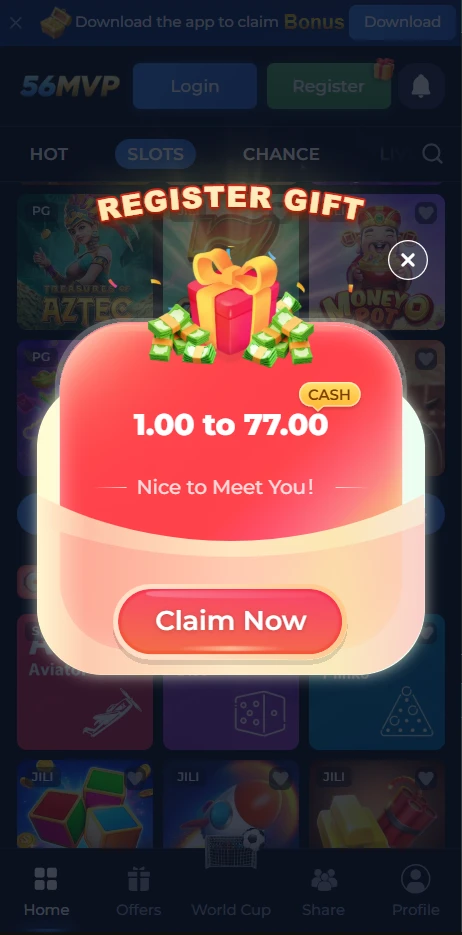
Step by Step Login Guide
Step 1: Open the 56MVP Game app on your Android phone. If you are on iPhone or desktop, open 56mvpgame.com in your browser.
Step 2: Tap the Login button on the home screen.
Step 3: Enter your registered Pakistani mobile number.
Step 4: Enter your password.
Step 5: If you are logging in from a new device, you may be asked to complete OTP verification. Enter the code sent to your registered number.
Step 6: Tap Login. Your account dashboard opens immediately.
Login on Different Devices
| Device | How to Login |
| Android Phone | Open the app and tap Login |
| iPhone | Open Safari, go to 56mvpgame.com, tap Login |
| Laptop or Desktop | Open any browser, go to 56mvpgame.com, tap Login |
| New Android Device | Login with your credentials and verify with OTP |
Your account, wallet balance, bonuses, and game history are all the same across every device. Switching between devices never resets or affects your account.
Forgot Your Password?
If you cannot remember your password, resetting it takes under two minutes.
Step 1: Tap the Forgot Password link on the login screen.
Step 2: Enter your registered mobile number.
Step 3: Tap Send OTP.
Step 4: Enter the OTP code sent to your number.
Step 5: Enter your new password. Use a combination of letters and numbers.
Step 6: Confirm the new password and tap Submit.
Step 7: Log in using your new password.
Login Problems and Quick Fixes
Wrong password error: Make sure Caps Lock is off and you are entering the password exactly as you set it. If you are unsure, use Forgot Password to reset rather than guessing repeatedly.
Account locked after multiple failed attempts: Wait five minutes before trying again. Then use Forgot Password to reset your credentials properly instead of retrying the same password.
OTP not arriving: Wait two minutes and tap Resend OTP. Confirm your registered mobile number is correct and your phone has a signal.
App not opening to login screen: Close the app completely, clear the app cache from your phone settings, and reopen it.
Login working on browser but not on app: Uninstall the app and download the latest version from 56mvpgame.com. Older versions sometimes have login compatibility issues.
Login Security Tips
Never share your password or OTP code with anyone. This includes people claiming to be 56MVP Game support staff. Our team will never ask for your password.
Avoid logging in from shared or public devices. If you do log in from a shared device, log out immediately after your session ends.
Change your password periodically. A new password every few weeks adds an extra layer of protection to your account.
Enable your phone’s screen lock so your account is not accessible if your phone is picked up by someone else.
FAQs
Can I log in on multiple devices at the same time?
Logging in on multiple devices simultaneously can trigger a security review on your account. Use one device at a time for the most stable experience.
What should I do if someone else is logged into my account?
Change your password immediately using the Forgot Password option. Then contact the support team through in-app live chat to report the unauthorized access.
Does my login session expire automatically?
Yes. Your session expires after a period of inactivity for security purposes. You will be asked to log in again when you return to the app after an extended break.
I registered with a number I no longer use. How do I update it?
Contact the support team through in-app live chat or the website contact form. Do not create a new account. Provide your registered number and your new number and the team will assist with the update.
How to Login to 56MVP Game, Step by Step Guide Pakistan 2026

Learn how to login to 56MVP Game on Android, iPhone, and desktop. Forgot password guide included. Quick step by step login help for Pakistan 2026.
Price: Free
Price Currency: PKR
Operating System: Android 5 and Above
Application Category: Casino Game
4.9